
Accept payments across Tanzania with Confidence.
Mobile money and cards through one REST API. Collect from customers, pay out to suppliers and staff, and reconcile both against a single balance.
Session created
POST /checkout/sessions
Customer pays
M-Pesa USSD prompt sent
Webhook delivered
payment.status_changed, signed
Reconciled
Net amount added to balance
Amount
TZS 50,000
Net TZS 49,250 after TZS 750 commission


Real-time webhooks
HMAC-signed for every payment status change.
Mobile money & cards
4 mobile networks, plus Visa and Mastercard.
Secure & reliable
Idempotent on every request you send.
Payment links anywhere
Shareable links and QR codes — no code required.
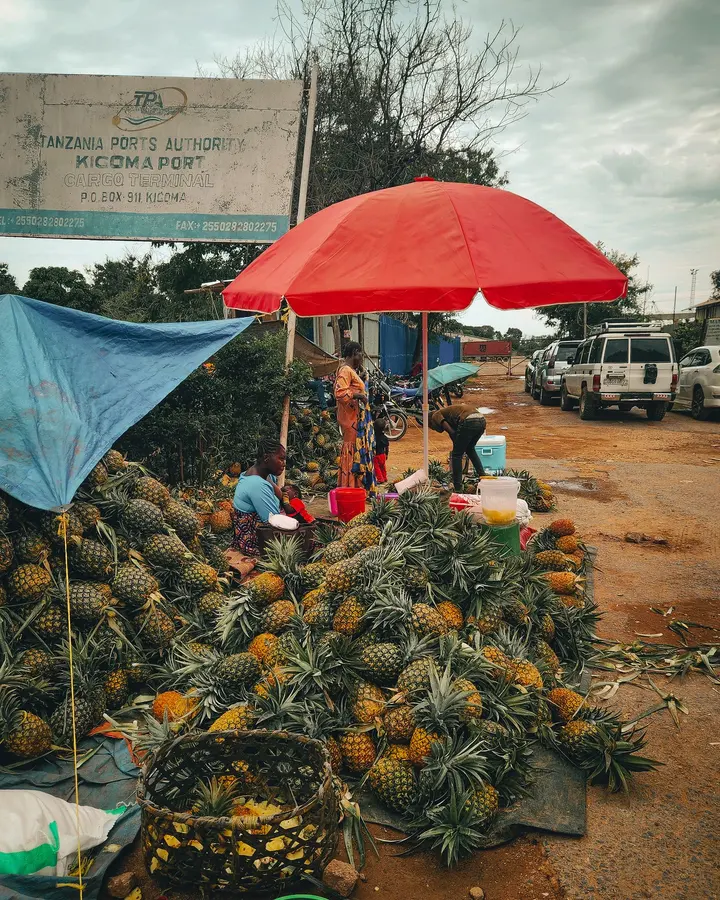
Built for Tanzanian businesses
From a market stall to an online shop, SkyPesa fits how Tanzanian businesses actually get paid.
Retail

Online sellers

Services
Follow a payment from request to reconciled
Scroll to move a sample payment through SkyPesa, or switch to the bank control number flow.
Create a checkout session
One POST with your merchant_reference, amount and return_url gives you a hosted checkout to hand the customer to.
POST /api/v1/checkout/sessions{ "merchant_reference": "ORDER-123", "amount": 50000, "description": "Premium Plan", "return_url": "https://myapp.example/..."}One API for money in and money out
Everything a payments integration needs, without stitching together four providers yourself.
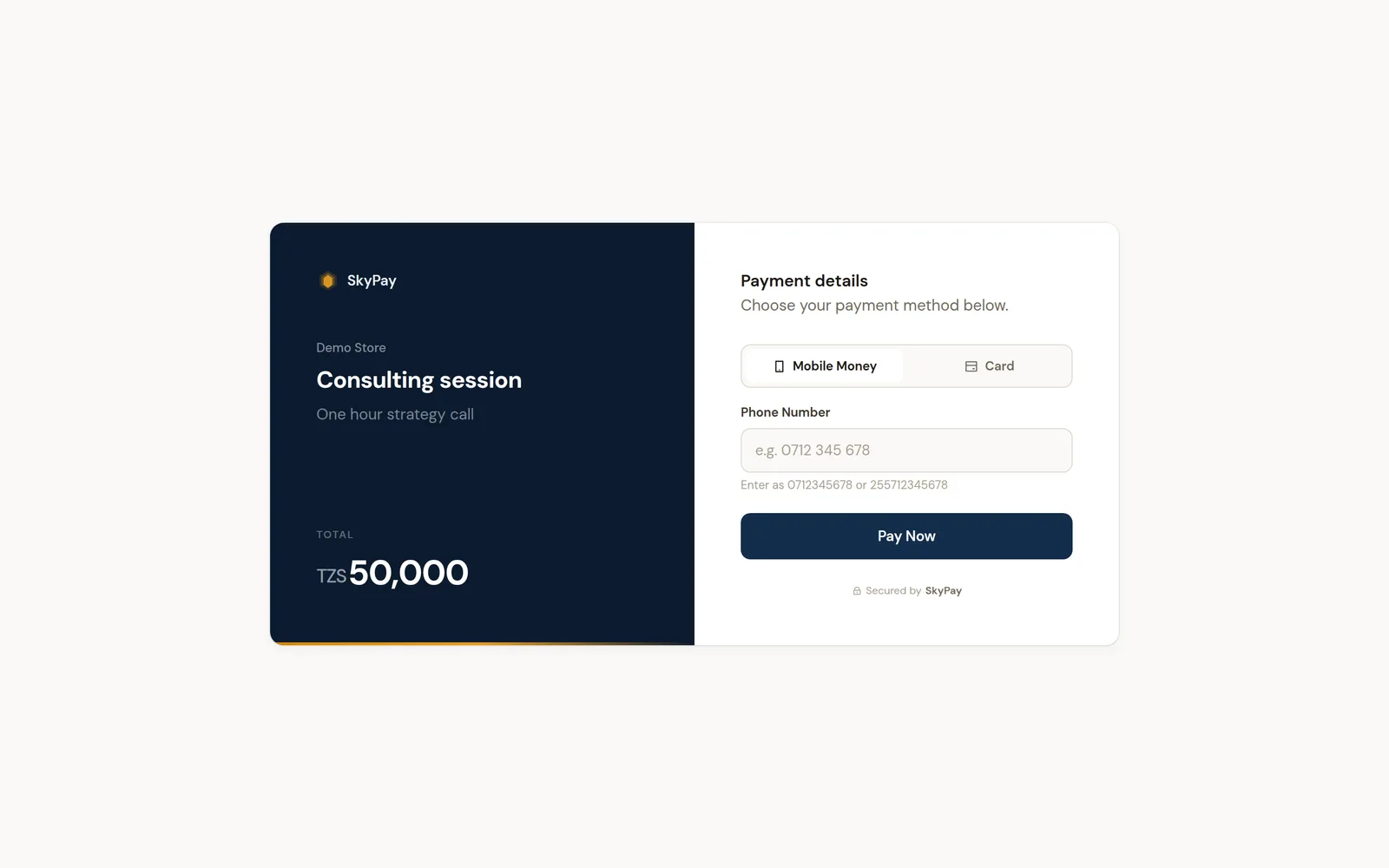
See the dashboard in action
Real screens from the SkyPesa merchant portal — drag, or use the arrows.
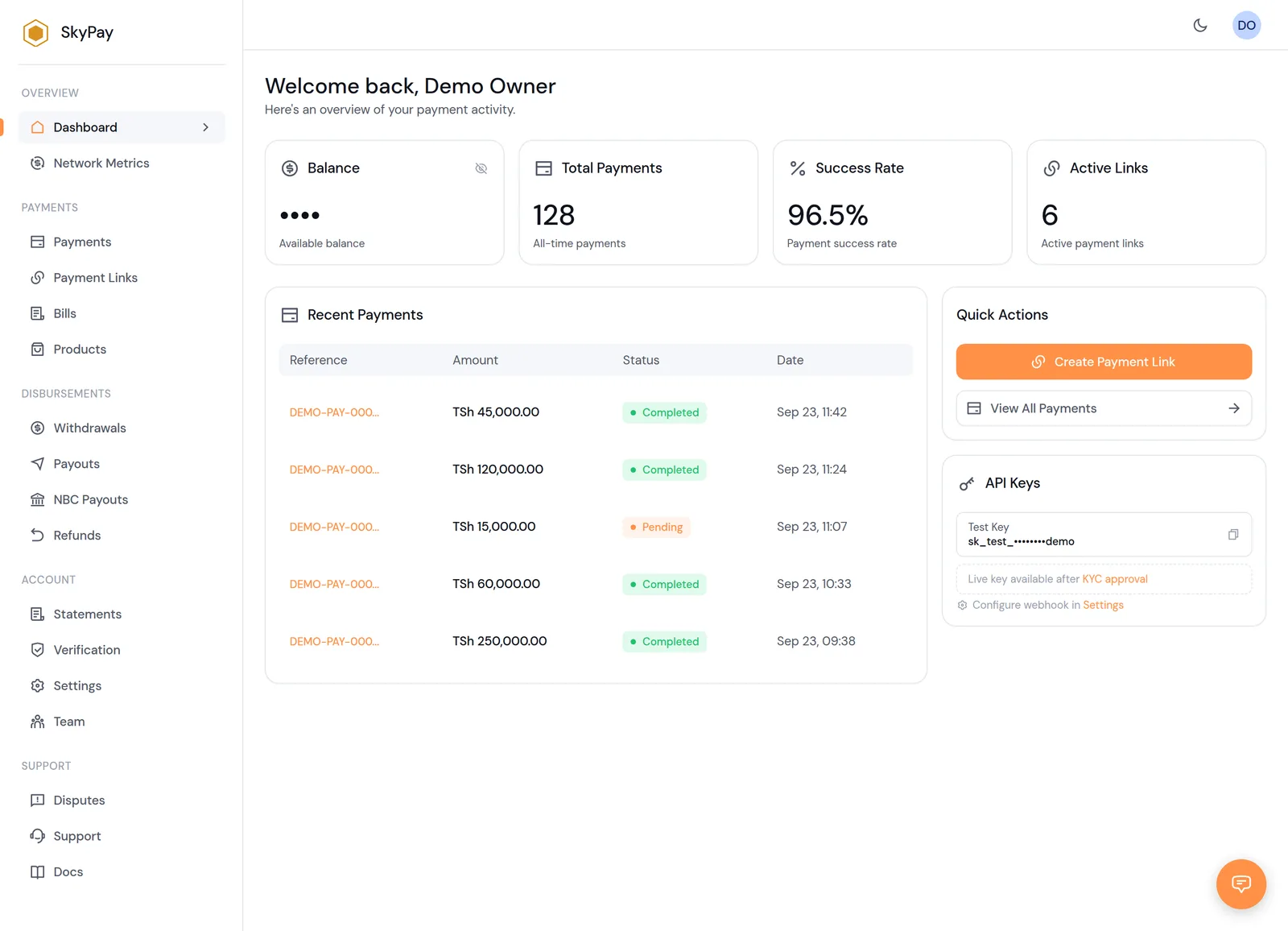
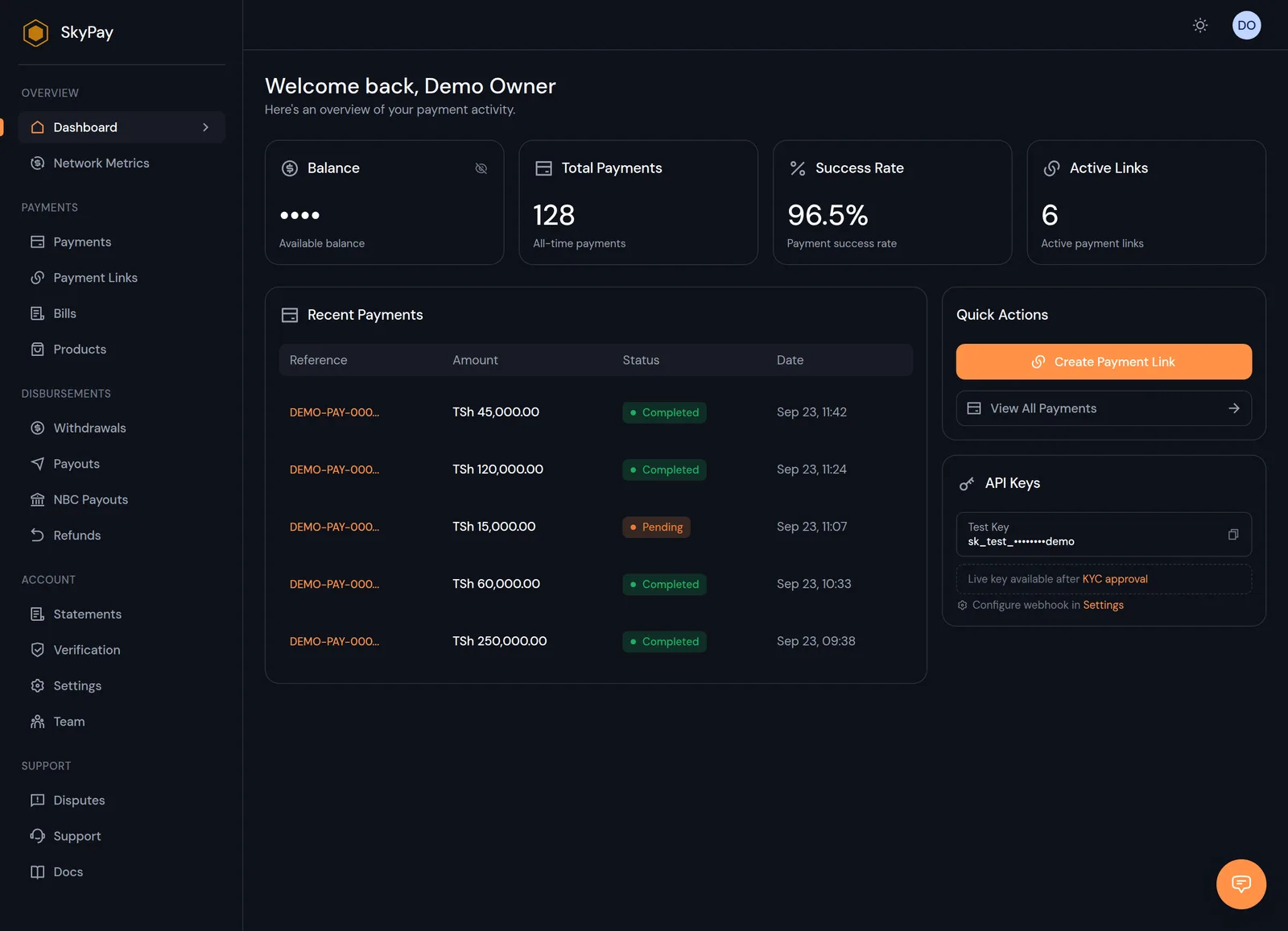
Dashboard overview
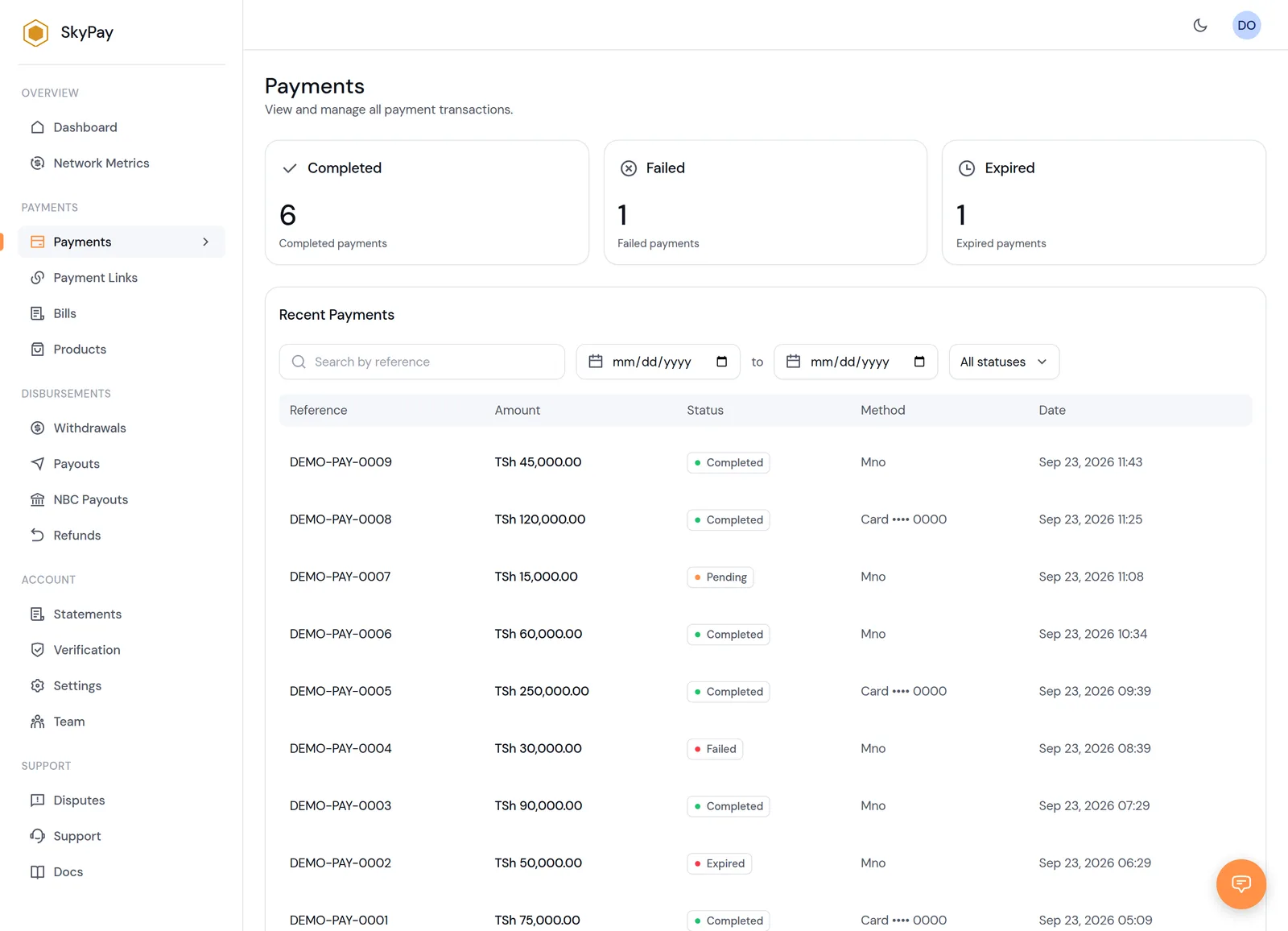
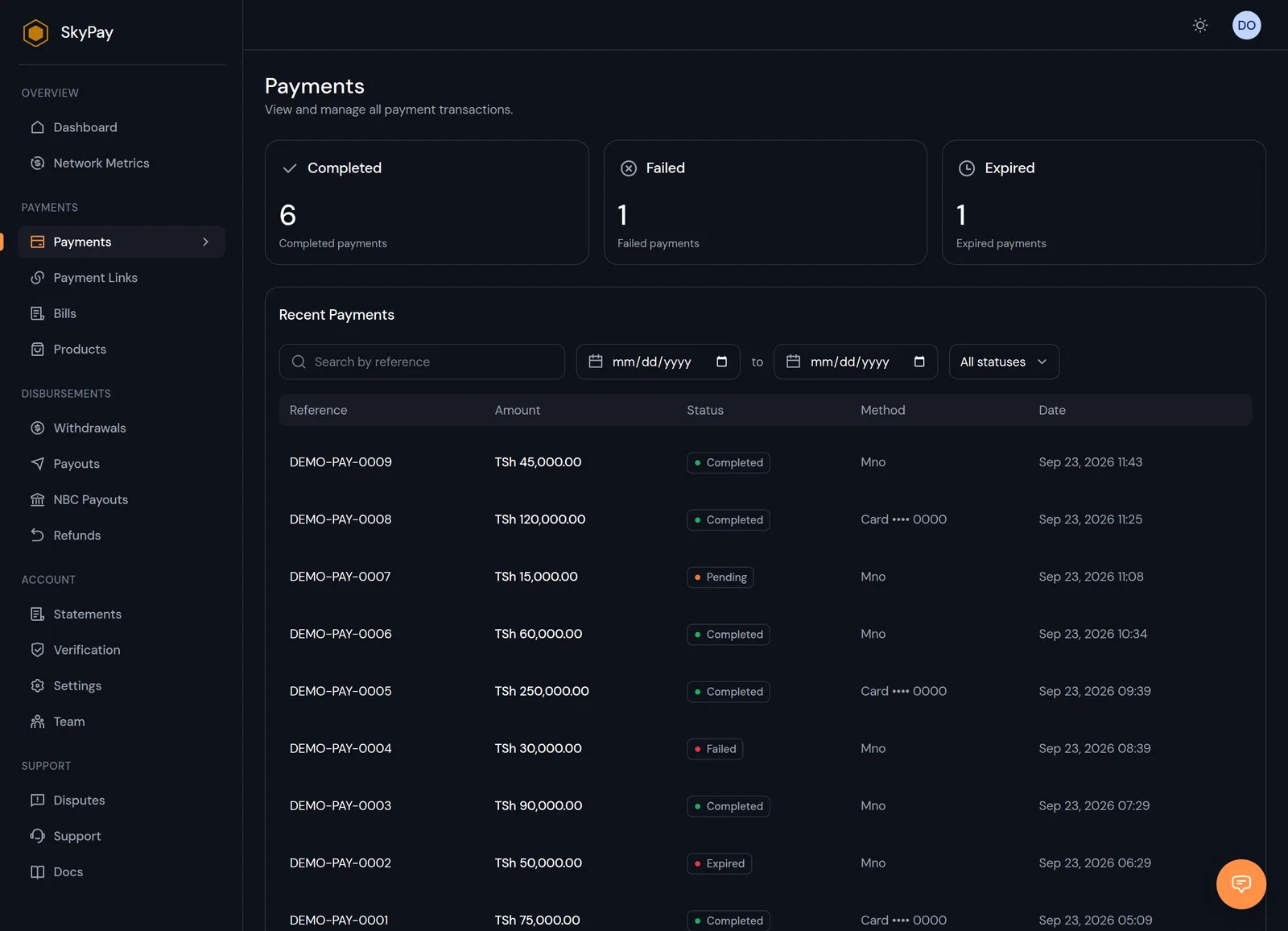
Payments
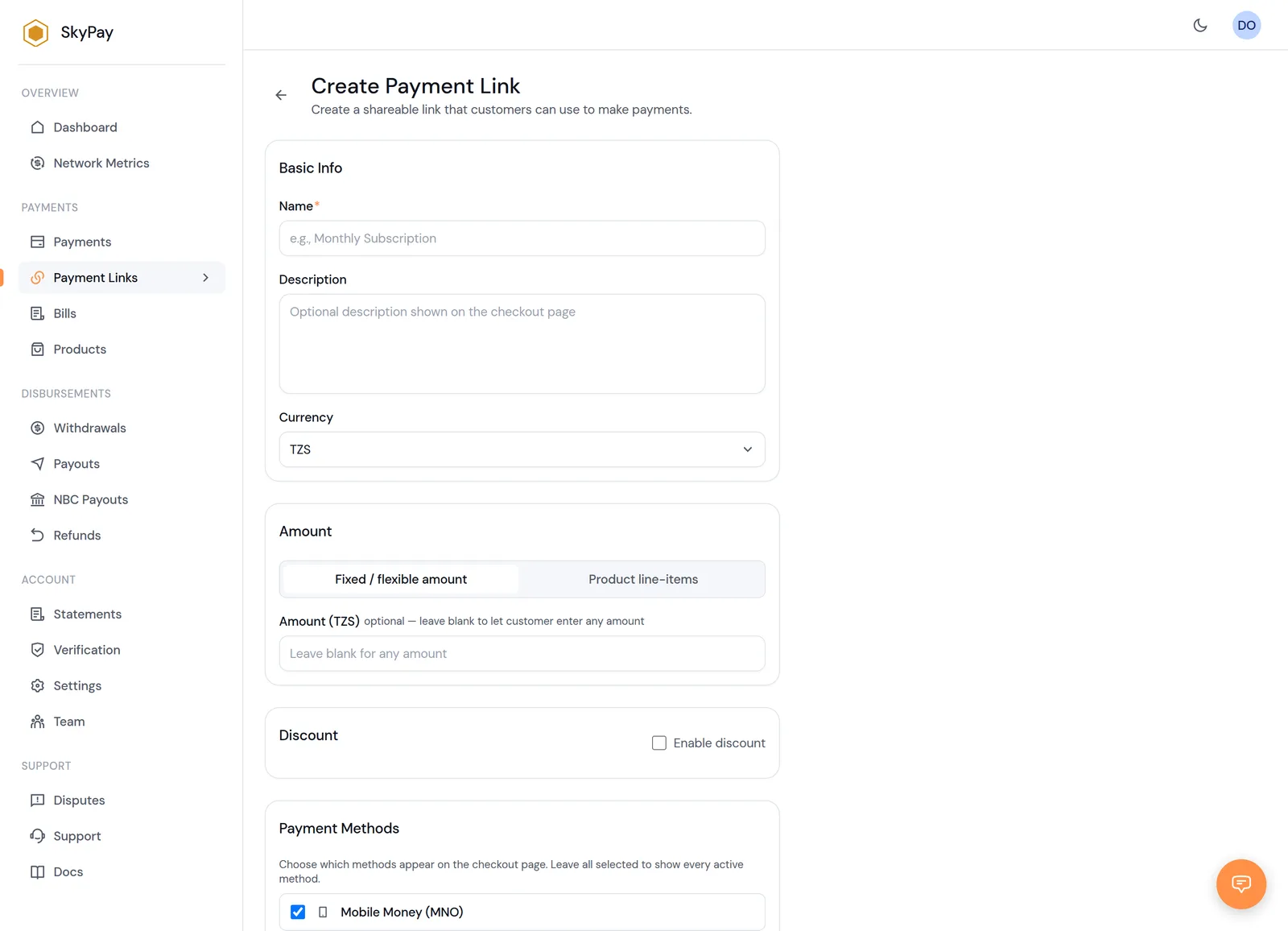
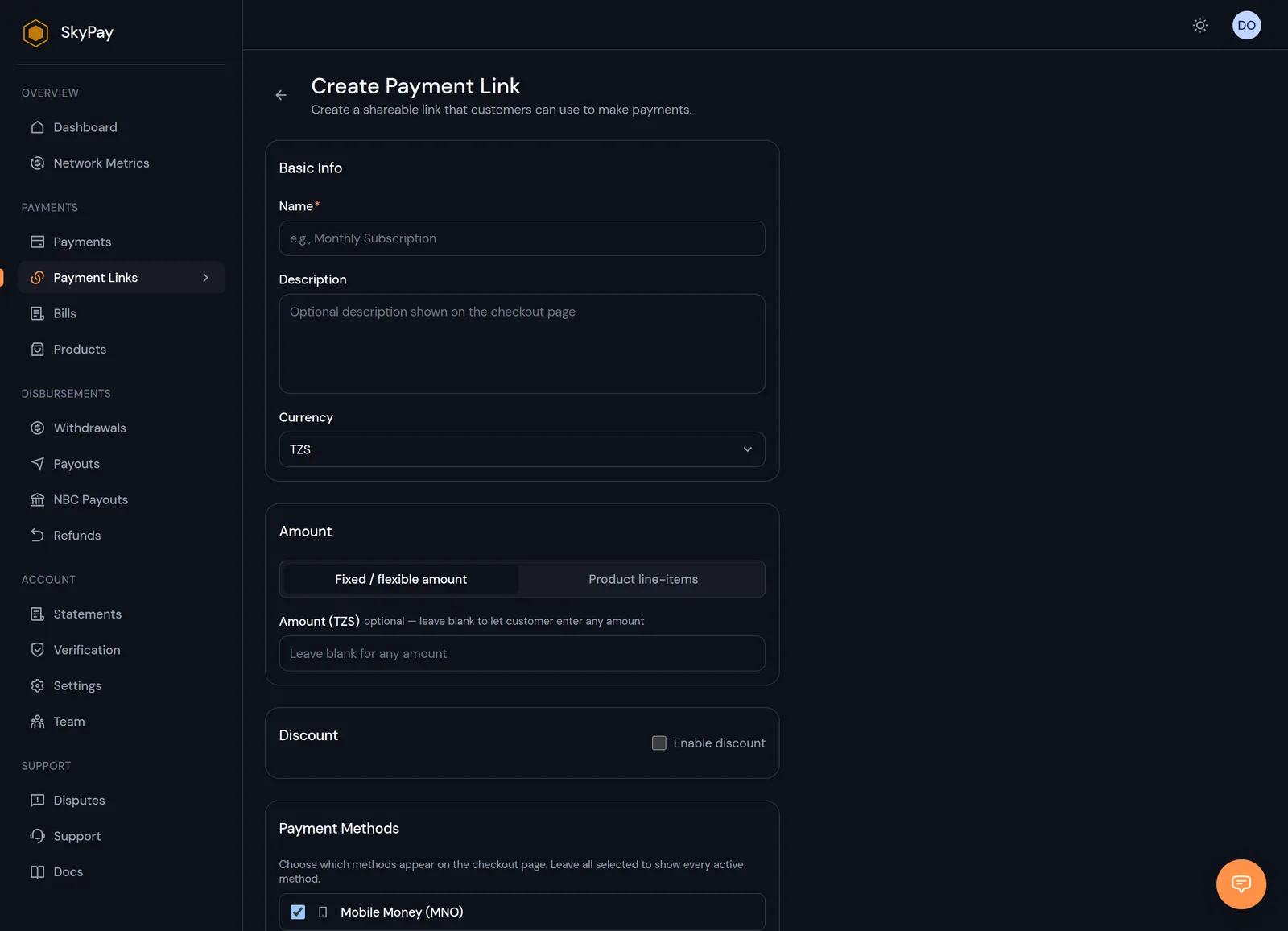
Create a payment link
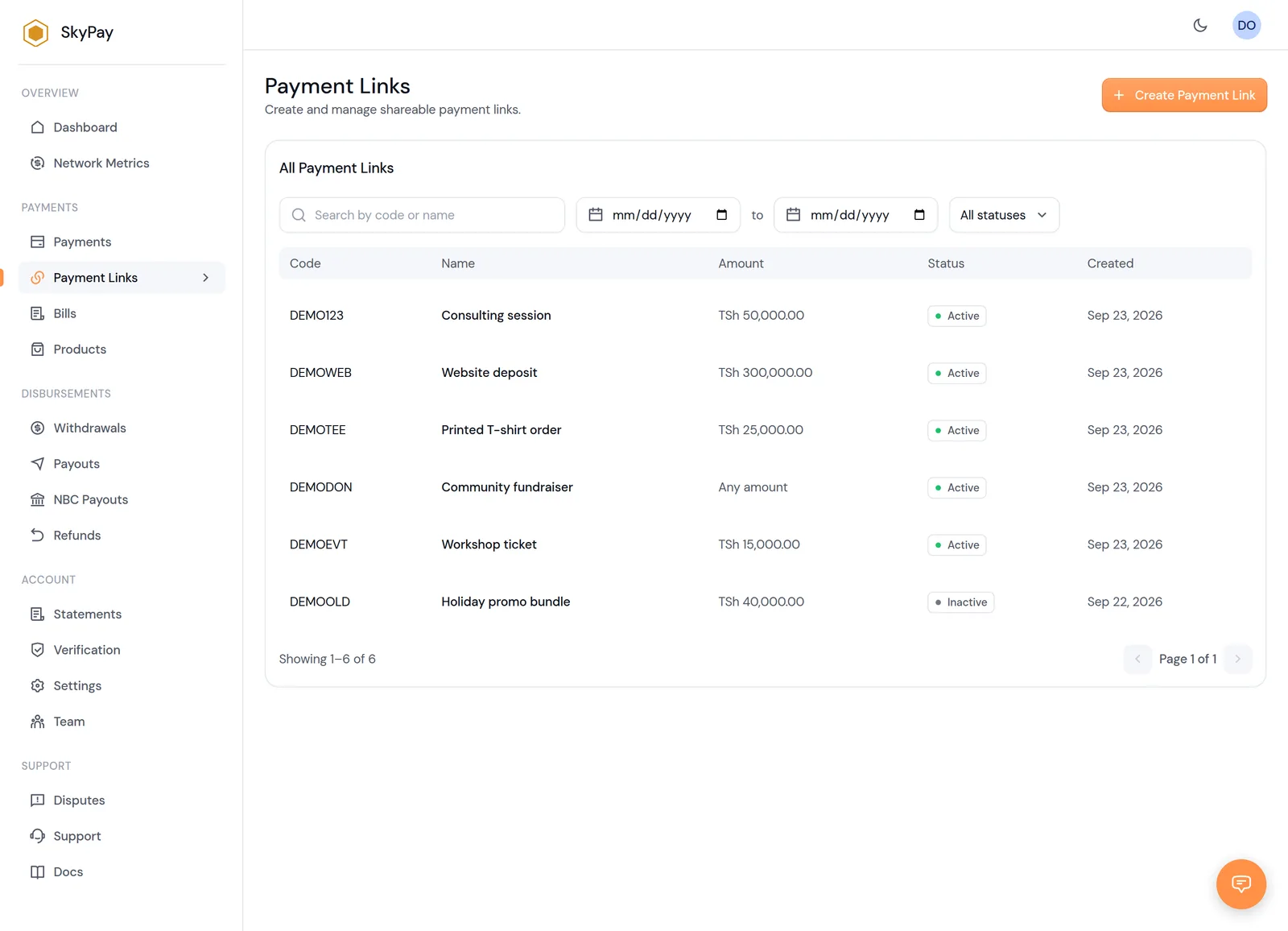
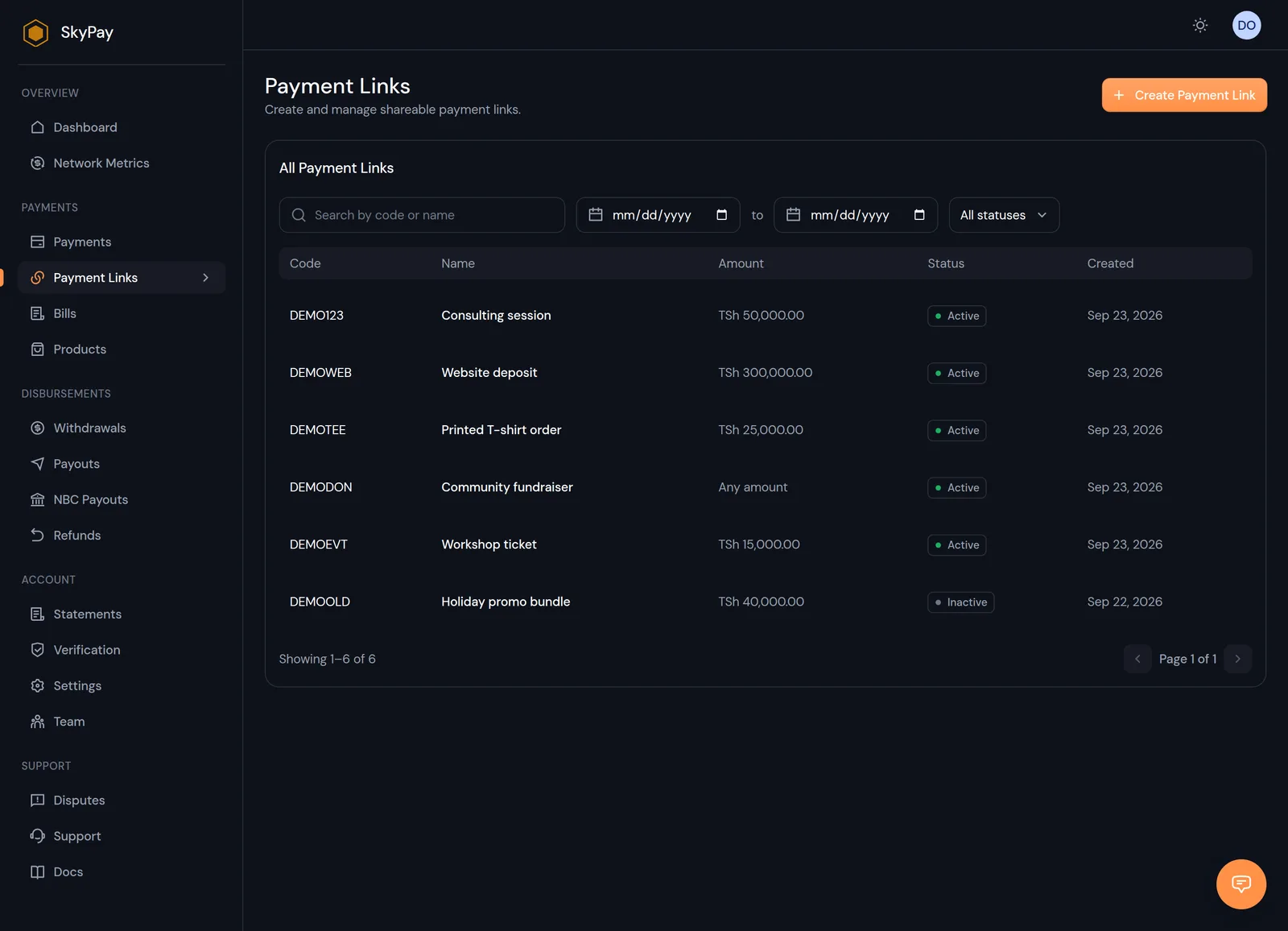
Payment links
Built for developers
A hosted checkout session in one request. Webhooks are HMAC-signed, and every payment initiation is idempotent on your reference.
- • HMAC-SHA256 signed webhooks with retry tracking
- • Idempotent on your
merchant_reference - • Sandbox-friendly test API keys
curl -X POST https://pay-api.test.skyconnect.dev/api/v1/checkout/sessions \ -H "Authorization: Bearer sk_test_your_key" \ -H "Content-Type: application/json" \ -d '{ "merchant_reference": "ORDER-123", "amount": 50000, "description": "Premium Plan", "return_url": "https://myapp.example/payment/callback" }'POST https://myapp.example/webhooks/skypesaX-PSP-Event: payment.status_changedX-PSP-Signature: 9f2a71c4e8b3d05f6a1c... { "event_type": "payment.status_changed", "merchant_reference": "ORDER-123", "status": "completed", "amount": 50000.0, "currency": "TZS", "data": { "payment_method": "mno", "network": "mpesa", "commission_amount": 750.0, "net_amount": 49250.0 }}Questions, answered
The essentials on fees, payment methods and getting your first integration live.
A flat 3% on mobile money collections, 1.2% on disbursements and 3.5% on card payments. No setup or monthly fees — see Pricing for the full breakdown.
Ready to get started?
Accept payments, send payouts, and reconcile it all from a single dashboard.